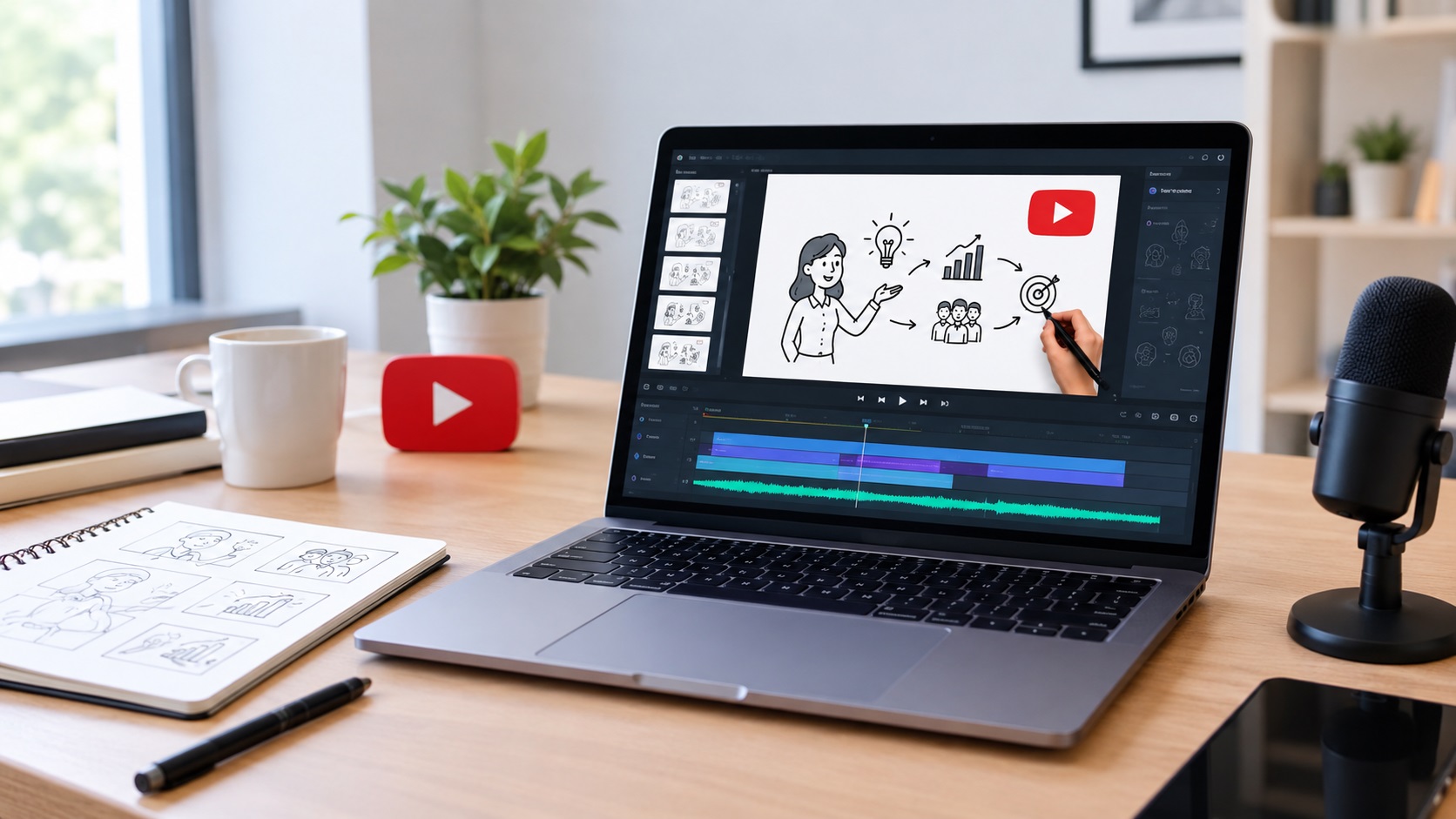
Creating videos for YouTube does not always require expensive software or advanced animation skills.
For creators who want to explain ideas visually, whiteboard animation can be an effective format.
InstaDoodle is designed to help users create doodle and explainer videos with templates, ready-made assets, AI-assisted tools, voiceover options, and cloud-based editing.
But can you actually use InstaDoodle to create engaging YouTube videos?
Let’s look at how it can fit into a YouTube content workflow.
Can You Use InstaDoodle for YouTube Videos?
Yes.
InstaDoodle lists YouTube videos among its intended use cases, alongside explainer videos, product demonstrations, teaching, training, presentations, and advertisements.
The platform also supports multiple aspect ratios, including 16:9, 9:16, 4:5, and square formats.
That gives creators more flexibility when adapting content for different platforms.
For standard YouTube videos, a horizontal format is generally the natural starting point.
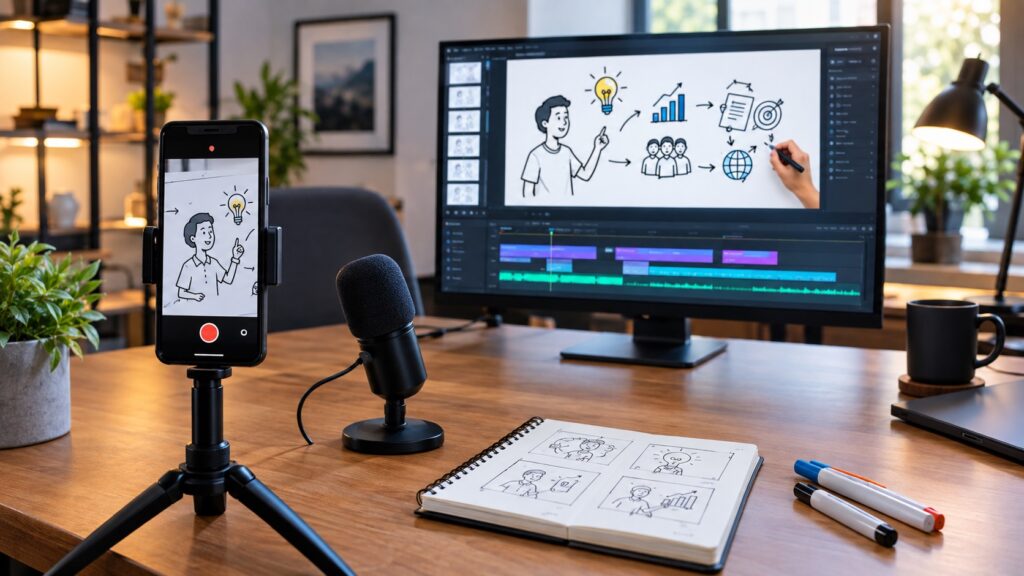
What Types of YouTube Videos Can You Create?
InstaDoodle can be useful for several YouTube content formats.
Educational Videos
Whiteboard animation works well when you need to explain a concept step by step.
You can combine narration with simple drawings, characters, arrows, text, and other visual elements.
This can make abstract ideas easier to follow.
Tutorial Videos
You can use doodle animation to explain a process.
For example, you could create a tutorial about:
- Online business
- Software
- Marketing
- Productivity
- Education
- Technology
- Basic how-to topics
The important thing is to keep the video focused on one clear problem or question.
Explainer Videos
Explainer videos are another natural fit.
You can introduce a problem, explain how something works, and finish with a solution.
This format can work particularly well for products, services, websites, and digital tools.
Product Videos
A product demonstration does not always require a screen recording.
You can use animation to explain the problem a product solves and highlight its main benefits.
This can be useful for affiliate marketers and small businesses.
YouTube Shorts
Short-form content can also benefit from animated visuals.
InstaDoodle supports vertical video formats, which can make it easier to adapt an idea for shorter platforms and formats.
However, Shorts require a different pacing strategy.
You need to communicate the main idea much faster than in a longer YouTube video.
How to Create a YouTube Video With InstaDoodle
The process can be kept relatively simple.
Step 1: Choose One Topic
Start with one specific idea.
Instead of creating a video called “Everything About Online Marketing,” choose something narrower such as “Three Beginner Mistakes in Email Marketing.”
A focused topic is easier to explain and easier for viewers to follow.
Step 2: Write the Script
Create the narration before building the animation.
Your script should have a clear structure:
Hook → Problem → Explanation → Solution → Conclusion
Keep unnecessary information out.
A shorter, clearer script is usually easier to turn into an engaging animation.
Step 3: Choose Your Visual Style
InstaDoodle provides multiple AI visual styles, including caricature, cartoon, and realistic options.
Choose a style that matches your channel.
Using a consistent visual identity can help your videos feel like part of the same YouTube brand.
Step 4: Build the Scenes
Use the available doodle elements, characters, objects, text, and backgrounds to represent the important parts of your script.
InstaDoodle currently advertises more than 1,000 ready-made doodle assets and 14+ starter templates.
You do not need to illustrate every sentence.
Instead, use visuals to emphasize the most important information.
Step 5: Add the Voiceover
Voiceover is especially important for educational and explainer videos.
InstaDoodle supports generated voiceovers and allows users to upload their own voice recordings.
Choose the option that best fits your channel.
If you use an AI voice, listen carefully to the final result and make sure the pacing sounds natural.
Step 6: Synchronize the Animation
The visuals should appear at the right moment.
If the narration introduces a new concept, the corresponding visual should appear around the same point.
Good synchronization makes a simple animation feel much more professional.
Step 7: Review the Video
Watch the entire video before publishing it.
Check the:
- Voiceover
- Timing
- Text
- Visuals
- Transitions
- Spelling
- Audio level
- Overall pacing
Remove anything that does not help the viewer understand the topic.
Can InstaDoodle Make YouTube Creation Faster?
It can simplify several parts of the production process.
Its current feature set includes templates, a large doodle library, AI text-to-video functionality, image-to-sketch conversion, voiceover tools, multiple animation types, and cloud-based editing.
The AI tools can be particularly useful when you need help creating visual elements.
The platform’s support documentation also states that purchased accounts receive AI credits for generating unique doodle elements or scenes.
However, faster production does not automatically mean better content.
The topic, script, narration, and editing still matter.
Tips for Making Better InstaDoodle YouTube Videos
Start With a Strong Hook
Give viewers a reason to continue watching during the opening.
Avoid spending too much time introducing yourself or explaining what the video will cover.
Keep the Visuals Moving
Whiteboard animation is naturally visual.
Use scene changes, drawing animations, text, and objects to maintain visual interest.
But avoid adding movement simply for the sake of movement.
Avoid Long Blocks of Text
Your narration should carry most of the explanation.
Use on-screen text to highlight important words or ideas.
Match the Video Length to the Topic
Do not stretch a simple idea into a 20-minute video.
Likewise, do not compress a complicated tutorial into one minute.
Give the topic the amount of time it actually needs.
Create Consistent Branding
Use similar visual styles, introductions, fonts, and presentation patterns across your videos.
This can make a new YouTube channel look more professional.
Is InstaDoodle Good for YouTube Beginners?
It can be a practical option for beginners who want to experiment with animated YouTube content without learning professional animation software.
The cloud-based workflow means there is no traditional installation process, and the platform can be accessed across devices.
The combination of ready-made assets and AI-assisted creation can also reduce some of the manual work.
However, beginners should not expect the software alone to create a successful YouTube channel.
A good topic, useful information, strong titles and thumbnails, and consistent publishing are still essential.
Final Verdict
So, can you create engaging YouTube videos with InstaDoodle?
Yes, especially if your content benefits from visual explanations, storytelling, tutorials, or animated demonstrations.
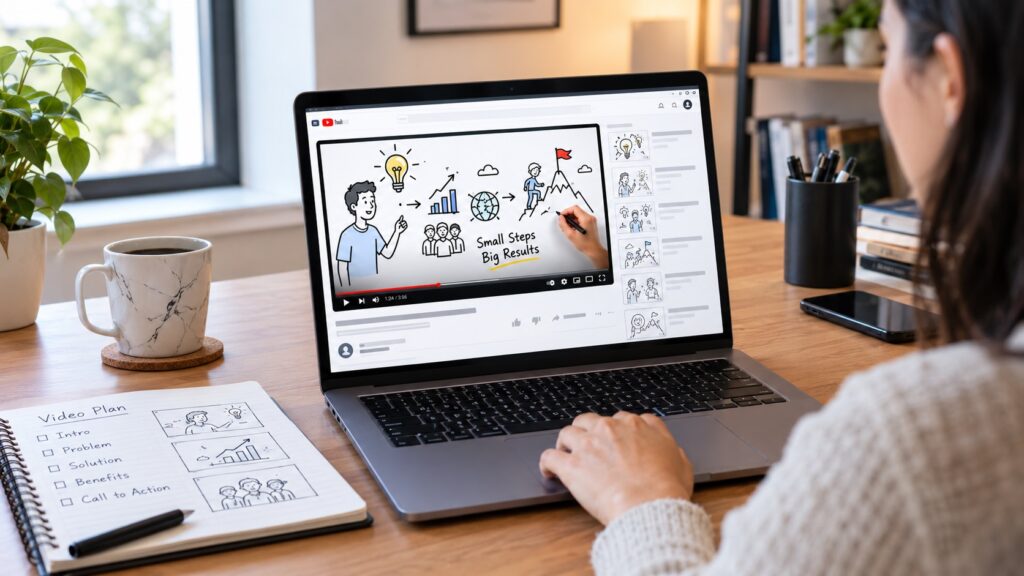
Its combination of doodle assets, templates, AI-assisted creation, voiceover tools, multiple formats, and cloud-based editing makes it suitable for several types of YouTube content.
The biggest advantage is not simply the animation itself.
It is the ability to turn an idea into a visual explanation without requiring advanced animation skills.
If you are considering InstaDoodle for your channel, you may also want to compare its cost and plans in our InstaDoodle Pricing 2026: How Much Does InstaDoodle Cost? guide before deciding.
Quick Take
Best for: Educational videos, explainers, tutorials, product demonstrations, and animated YouTube content.
Main advantage: A combination of AI-assisted doodle creation and ready-made animation assets.
Best approach: Use InstaDoodle as a production tool, but put most of your effort into choosing useful topics and writing strong scripts.
You May Also Like:
Leave a Reply
You must be logged in to post a comment.