Whiteboard animation videos are a simple way to explain ideas, teach concepts, promote products, or create engaging social media content.
The good news is that you do not need advanced animation skills to get started.
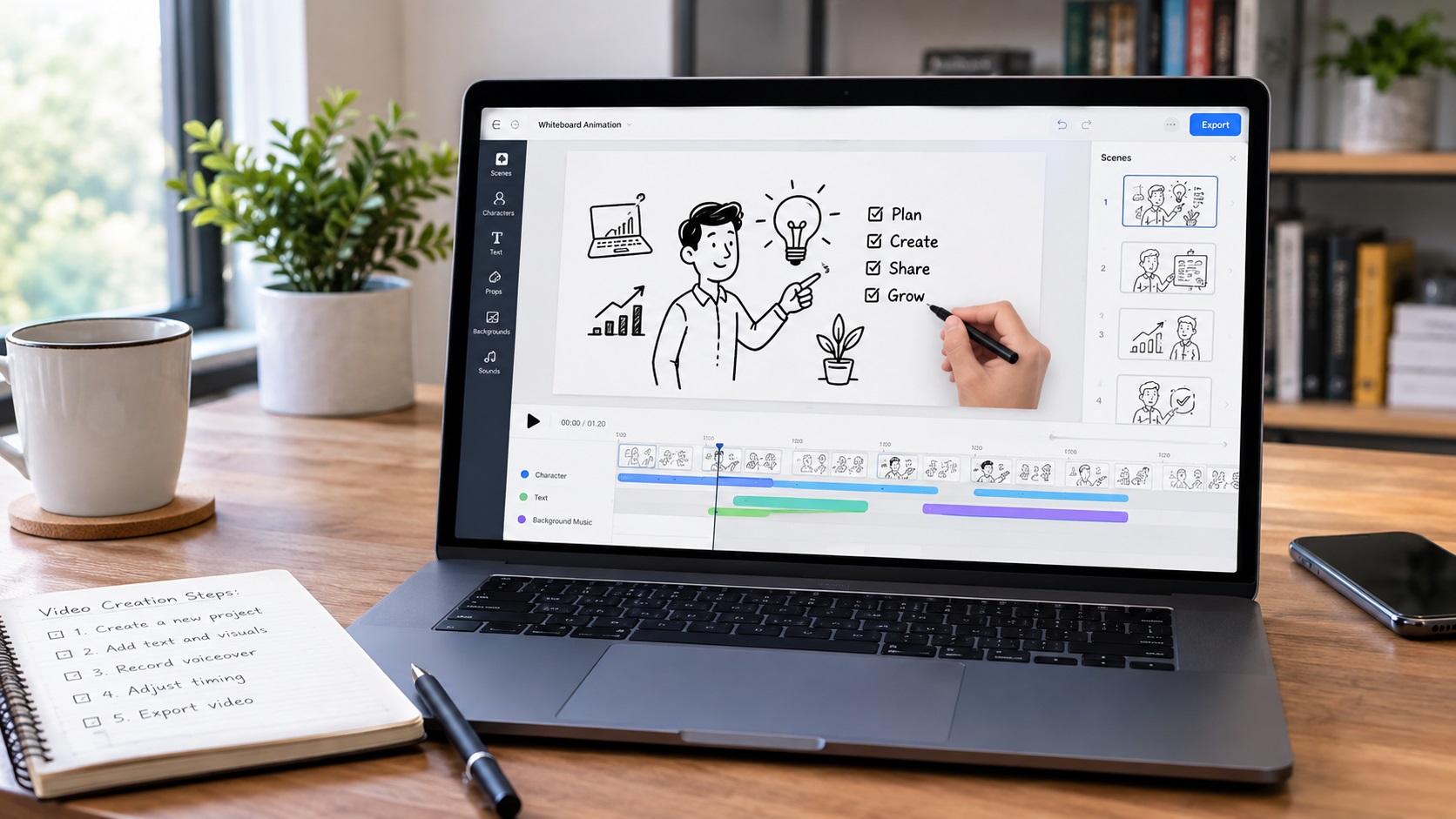
InstaDoodle provides tools designed to simplify the process, including templates, doodle assets, AI-assisted features, voice tools, and a drag-and-drop editing workflow.
In this guide, we will walk through how to create a whiteboard animation video with InstaDoodle step by step.
1. Start With a Clear Video Idea
Before opening the editor, decide what your video should communicate.
A good whiteboard video usually focuses on one main idea.
For example, you could create:
- A product explanation
- A short educational lesson
- A business presentation
- A YouTube video
- A social media clip
- A simple tutorial
- A promotional video
Write a short outline before you begin.
This will make the rest of the process much easier.
2. Write a Simple Script
Your script is the foundation of the video.
Keep the sentences short and conversational.
Start with the main problem or question.
Then explain the solution step by step.
Finally, finish with a clear conclusion or call to action.
Avoid putting too much information into one video.
A short and focused script is usually easier to understand and easier to turn into scenes.
3. Choose Your Video Format
Think about where you will publish the video.
A YouTube explainer may need a horizontal format.
A short social media video may work better in a vertical format.
Other platforms may require square or different aspect ratios.
Choosing the format early helps you design your scenes correctly.
4. Build Your First Scene
Once you enter the InstaDoodle editor, start with the opening scene.
Your first few seconds matter.
Introduce the topic clearly and give viewers a reason to continue watching.
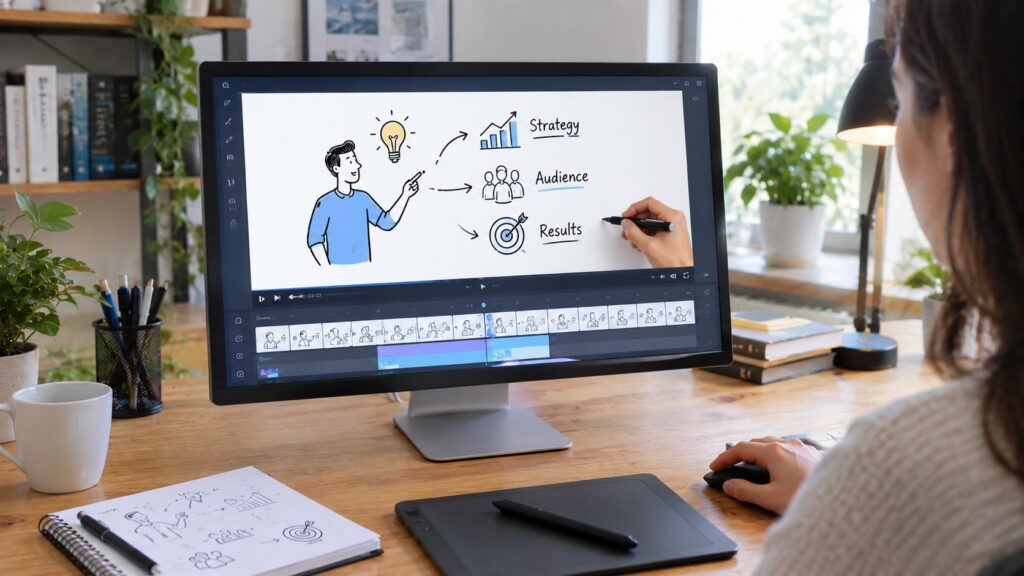
You can use text, doodle elements, characters, or other visual assets to support the message.
Do not overcrowd the screen.
The visual should support the narration rather than compete with it.
5. Add Doodle Characters and Objects
The visual elements are what give whiteboard animation its recognizable style.
Use characters and objects that directly support your script.
For example, if you are explaining an online business problem, you might show a person working at a computer.
If you are explaining a process, use simple objects to represent each step.
InstaDoodle provides a library of doodle elements that can be used when building scenes.
You can also explore its AI-assisted features when you need additional visual ideas or elements.
6. Use AI When It Saves Time
One advantage of modern whiteboard software is that AI can reduce some of the manual work.
InstaDoodle includes DoodleAI and AI-assisted tools designed to help with creating doodle-style visual content.
Instead of manually creating every visual element, you can use these features when they genuinely make the process faster.
However, AI should support your creative direction.
It should not replace the basic planning of the video.
7. Add Voiceover
A good voiceover makes the animation easier to follow.
You can record your own voice or use available voice tools, depending on your project and plan.
Try to keep the narration natural.
Do not speak too quickly.
Leave enough time for viewers to understand each visual before moving to the next scene.
8. Match the Animation to the Narration
This is one of the most important steps.
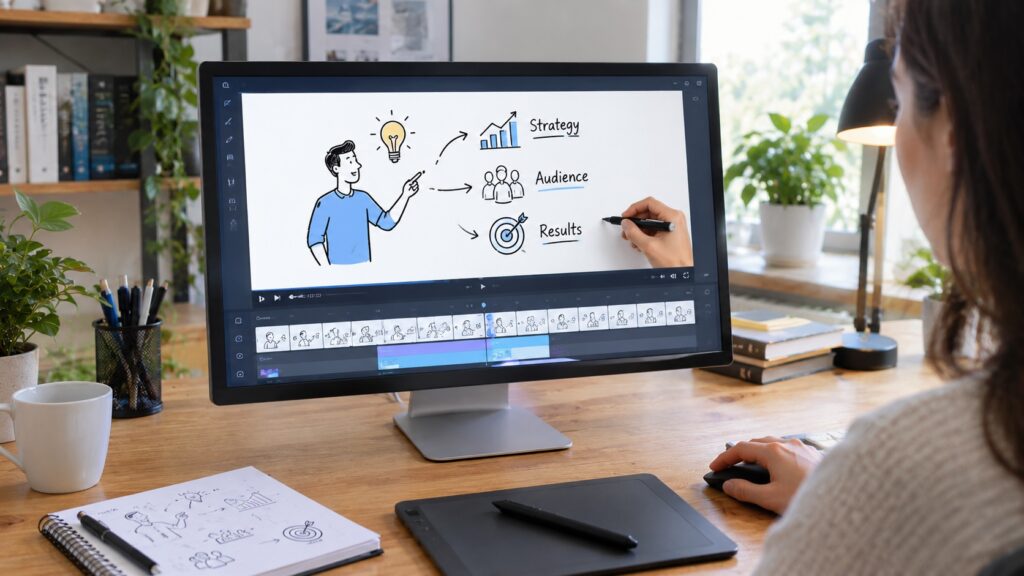
A character or object should appear when the narration discusses it.
For example, if the script says, “Your website receives visitors but few sales,” the visual could show a website, visitors, and a declining sales result.
The closer the visual and narration are connected, the easier the video is to understand.
9. Keep Scenes Short and Focused
Avoid creating one long scene containing everything.
Instead, divide the video into smaller sections.
Each scene should communicate one part of the story.
This creates a natural rhythm and keeps the viewer interested.
It also makes editing easier.
10. Review the Complete Video
Before exporting, watch the entire video from beginning to end.
Check:
- Spelling
- Voiceover timing
- Scene transitions
- Text readability
- Animation timing
- Audio volume
- Visual consistency
Ask yourself one simple question:
Can someone understand the main message without having to watch the video twice?
If not, simplify it.
11. Export and Publish
When the video is ready, export it using the settings appropriate for your intended platform.
Then publish it where your audience is most likely to see it.
You could use whiteboard videos for:
- YouTube
- Websites
- Online courses
- Product pages
- Social media
- Presentations
- Email marketing
The same basic video idea can sometimes be adapted for several platforms.
Tips for Better Whiteboard Animation Videos
Keep the Message Simple
One video does not need to explain everything.
Focus on one problem, one lesson, or one main idea.
Use Visuals With a Purpose
Do not add doodles simply because they look interesting.
Every important visual should support the story.
Make the Opening Strong
The first few seconds should clearly communicate what the viewer will learn or discover.
Avoid Too Much Text
Whiteboard videos work best when the animation and narration carry most of the message.
Use text to emphasize important points rather than displaying the entire script.
Keep Branding Consistent
If you are creating marketing videos, use consistent fonts, colors, logos, and messaging when the software and project allow it.
Is InstaDoodle Good for Beginners?
InstaDoodle is designed to make doodle video creation accessible to users who may not have professional animation experience.
Its combination of templates, ready-made assets, drag-and-drop editing, AI-assisted features, and voice tools can reduce the amount of technical work involved.
However, the quality of the final video still depends heavily on the script, visual choices, timing, and editing decisions.
A simple tool cannot replace a clear message.
Final Thoughts
Creating a whiteboard animation video does not have to be complicated.
Start with a focused idea, write a short script, choose the right format, build simple scenes, add useful visuals, synchronize the narration, and review everything before publishing.
InstaDoodle can help simplify many of these steps, especially for creators who want to experiment with AI-assisted doodle video creation.
If you are considering InstaDoodle for your projects, you can also read our InstaDoodle Pricing 2026: How Much Does InstaDoodle Cost? guide before choosing a plan.
*You May Also Like:
Leave a Reply
You must be logged in to post a comment.