
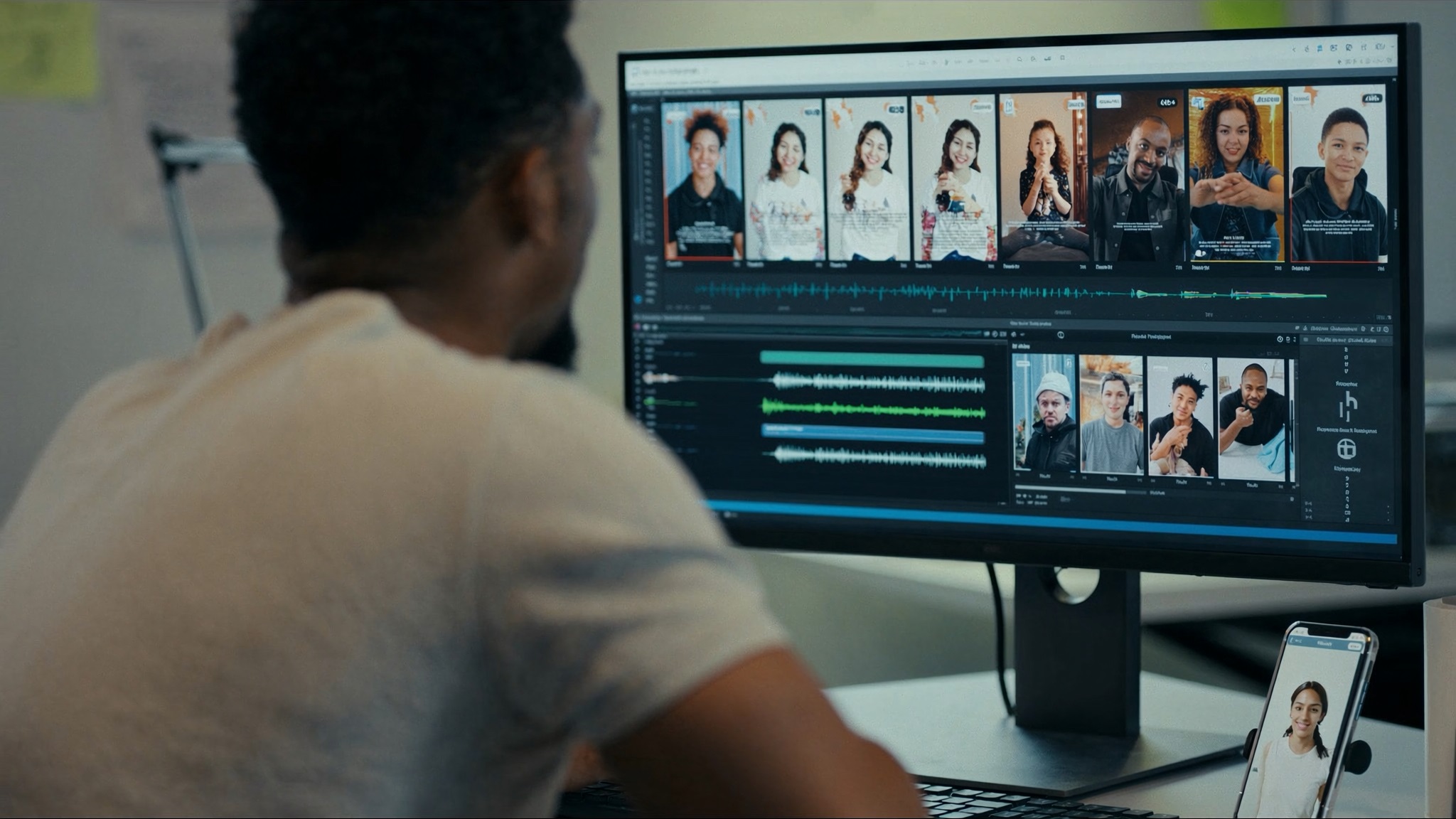
Social media creators often need to publish content quickly.
Creating videos regularly can become difficult when every video requires writing a script, recording narration, and editing the audio.
AI voiceovers can simplify part of this process.
Instead of recording your own voice, you can turn a written script into spoken audio with an AI voice generator.
Tools like Speechelo can help creators turn written scripts into voiceovers for social media videos.
Why Use AI Voiceovers for Social Media?
Short-form content often requires a fast production process.
Creators may publish videos on platforms such as YouTube, Instagram, TikTok, or Facebook.
Recording narration for every video can take additional time.
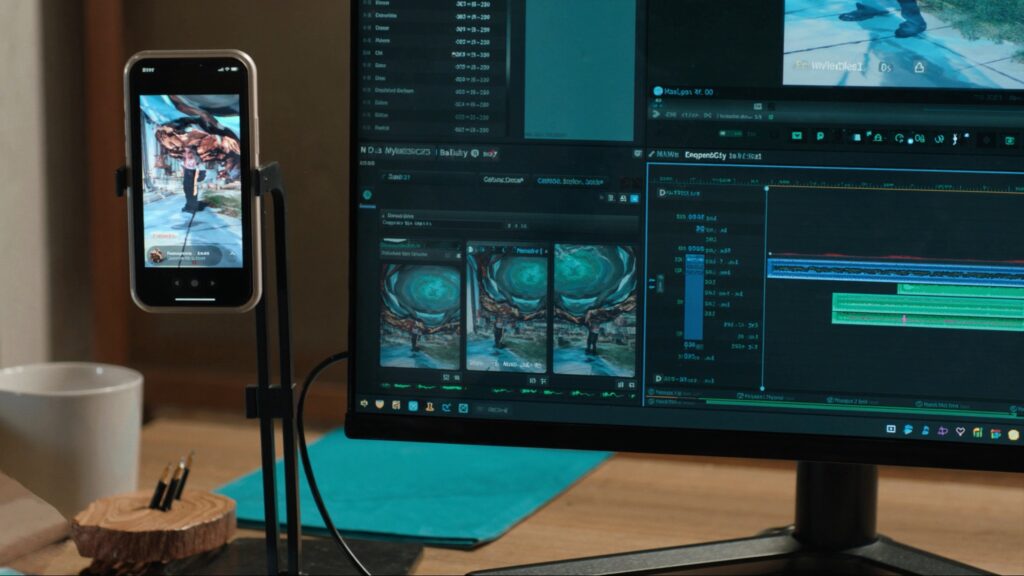
An AI voiceover can help creators produce narration without setting up a microphone or recording multiple takes.
What Types of Content Can Use AI Voices?
AI narration can be useful for many social media formats, including:
- Short educational videos
- Product videos
- Tutorials
- List videos
- Storytelling content
- Promotional posts
- Informational videos
The best voice depends on the content and the audience.
How to Create a Social Media Voiceover
1. Write a Short Script
Start with the main idea of your video.
Keep the script focused and avoid unnecessary information.
Short sentences can also make the narration easier to follow.
2. Select a Voice
Choose a voice that matches your content style.
A calm voice may work well for educational content, while a more energetic style may suit promotional videos.
3. Generate the Narration
Enter your script into the AI voice generator and create the audio.
Listen to the result before adding it to your video.
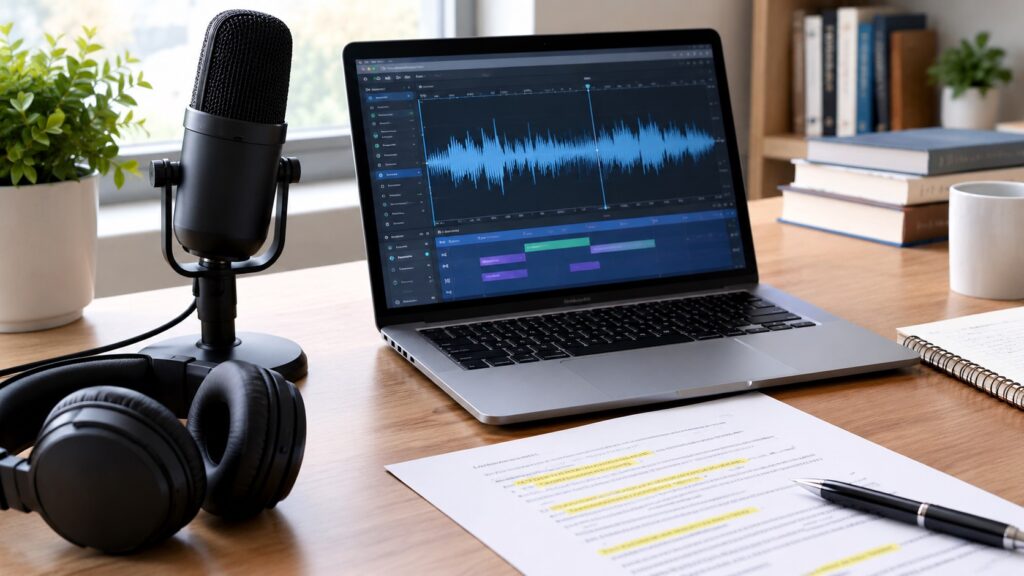
4. Combine Audio and Visuals
Add the voiceover to your video editor.
Then synchronize the narration with images, clips, captions, or other visual elements.
Tips for Better Social Media Voiceovers
Keep the narration concise.
Use punctuation to create natural pauses.
Also, listen for words that may sound unusual when spoken by the AI voice.
If necessary, rewrite the sentence and generate it again.
Are AI Voices Good for Social Media?
They can be useful when speed and consistency are important.
Creators can produce narration without recording themselves, which may make frequent publishing easier.
However, AI voices may not provide the same emotional expression as a human narrator in every situation.
For some content, a real voice may still create a stronger connection with the audience.
Final Thoughts
AI voiceovers can make social media video production more convenient.
They are especially useful for creators who want to produce regular narrated content without recording every video themselves.
With a clear script, an appropriate voice, and careful editing, tools like Speechelo can become a practical part of a social media content workflow. Review the generated audio before publishing to make sure it fits your content and audience.
You May Also Like
Leave a Reply
You must be logged in to post a comment.