
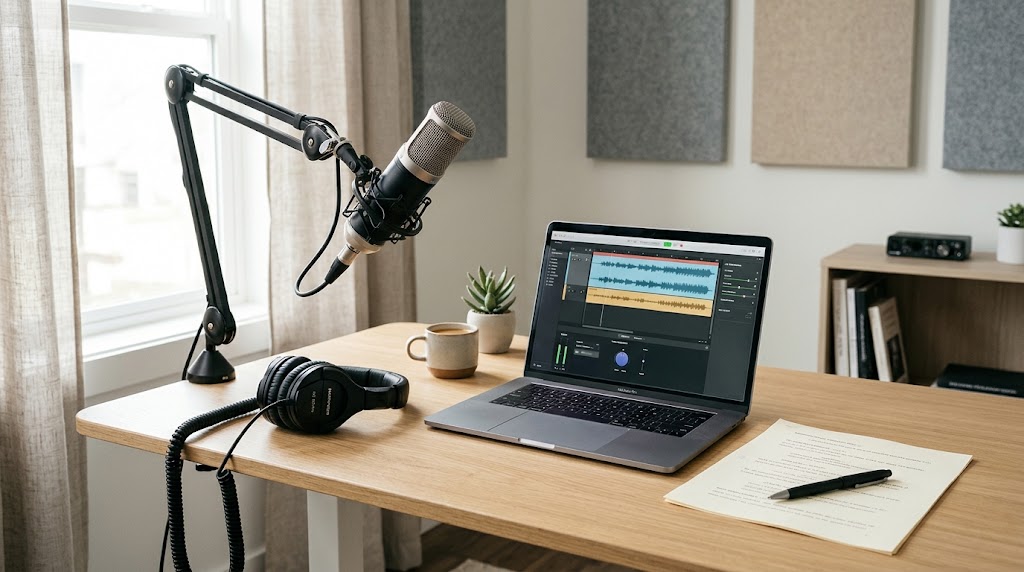
AI voice generation can save time, but the final result still depends on how you prepare your script.
Even a good AI voice can sound unnatural when the text is poorly written or lacks proper pauses.
An AI voice generator such as Speechelo can help you create narrated content more efficiently.
The good news is that a few simple techniques can improve the result.
Start With Natural Writing
Write your script the way people normally speak.
Avoid overly complicated sentences and unnecessary formal language.
Shorter sentences are often easier for an AI voice to deliver naturally.
Instead of writing one long sentence, divide it into two or three shorter ones.
Use Punctuation Carefully
Punctuation can influence how a voiceover flows.
Commas can create short pauses.
Periods can create longer pauses.
Question marks and exclamation marks can also change the way a sentence is delivered.
Use punctuation naturally rather than adding it randomly.
Break Your Script Into Sections
Large blocks of text can make voiceovers harder to review.
Divide your script into logical sections.
This also makes it easier to identify parts that sound unusual and regenerate them when necessary.
Test Difficult Words
Some words may not be pronounced exactly as you expect.
This can happen with:
- Names
- Technical terms
- Abbreviations
- Brand names
- Unusual words
Generate a short sample first.
If the pronunciation is incorrect, try changing the spelling or rewriting the sentence.
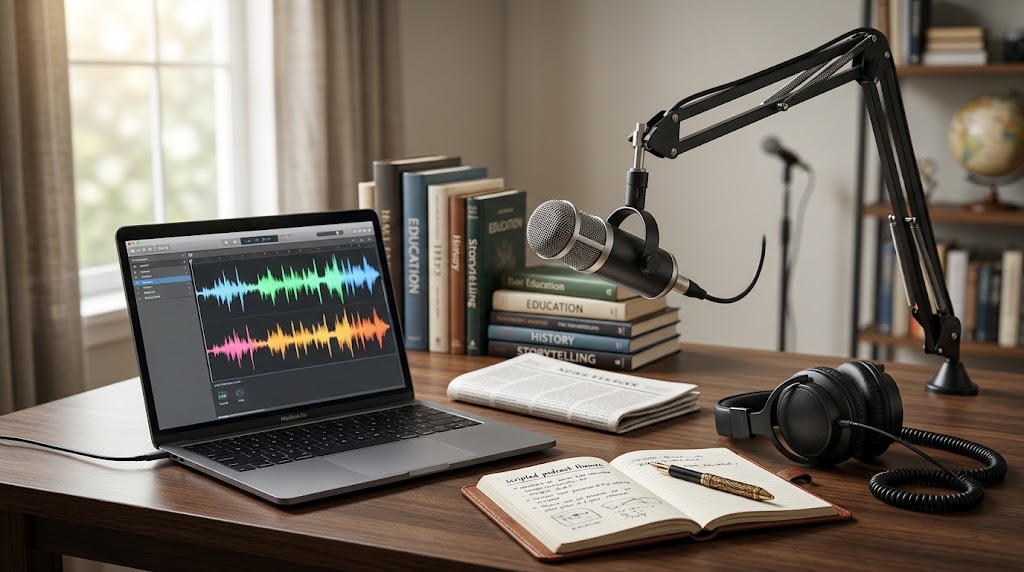
Choose the Right Voice Style
A natural-sounding voice is not only about pronunciation.
The tone should also fit the content.
A calm educational script may sound better with a steady voice.
A promotional video may require a more energetic delivery.
Avoid Making Every Sentence Sound the Same
Good narration has variation.
If every sentence has exactly the same rhythm, the voice may sound repetitive.
Vary your sentence length and use punctuation to create a more natural flow.
Listen Before Publishing
Never assume the first generated version is perfect.
Listen to the entire voiceover.
Make notes about sections that sound unusual.
Then edit the script and generate those parts again.
This simple review process can improve the final result.
Final Thoughts
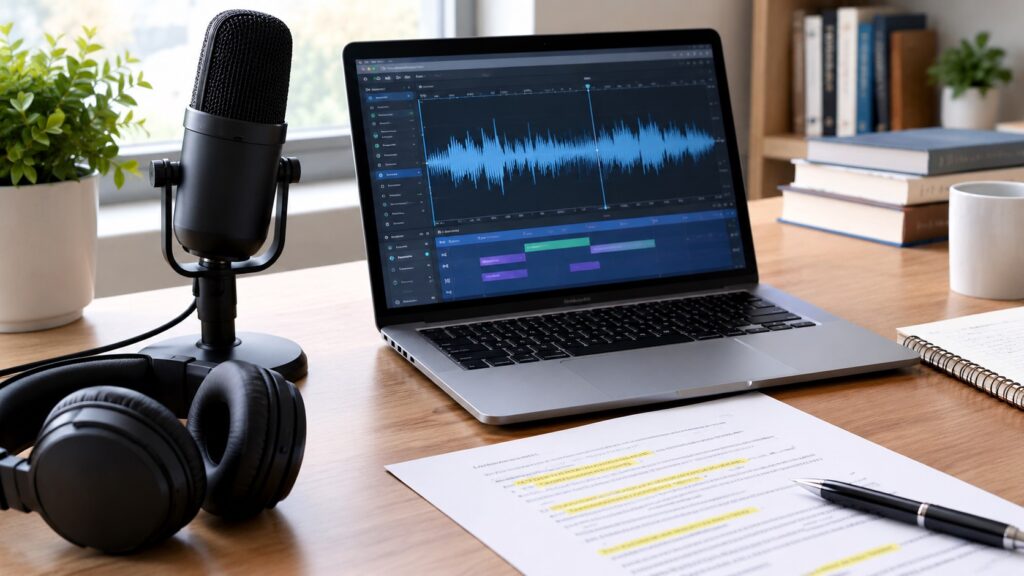
AI-generated voiceovers can sound more natural when the script is written with narration in mind.
Clear sentences, appropriate punctuation, careful pronunciation checks, and the right voice style can make a noticeable difference.
Whether you use Speechelo or another AI voice generator, spending a few extra minutes reviewing the audio can greatly improve the finished content.
You May Also Like
Leave a Reply
You must be logged in to post a comment.