
If you are looking for a whiteboard animation tool in 2026, InstaDoodle and VideoScribe are two options worth comparing.
Both can help creators make animated explainer videos without needing advanced animation skills.
However, they take different approaches.
InstaDoodle focuses on AI-assisted doodle creation and modern video tools, while VideoScribe is strongly focused on traditional whiteboard animation.
So which one is better?
The answer depends on what you want to create.
InstaDoodle vs VideoScribe: Quick Comparison
| Feature | InstaDoodle | VideoScribe |
|---|---|---|
| Whiteboard animation | Yes | Yes |
| AI-assisted tools | Yes | Yes |
| Doodle asset library | Yes | Yes |
| Templates | Yes | Yes |
| Voiceover support | Yes | Yes |
| Custom images | Yes | Yes |
| Multiple video formats | Yes | Yes |
| Cloud-based workflow | Yes | Yes |
| Best known for | AI-assisted doodle creation | Traditional whiteboard animation |
Features and plans can change, so always check the providers’ current websites before purchasing.
What Is InstaDoodle?
InstaDoodle is an online platform for creating doodle and whiteboard-style videos.
Its current feature set includes DoodleAI, ready-made doodle assets, templates, image-to-doodle tools, voiceover features, multiple animation types, and different video formats.
The platform is designed to help users create animated content without requiring professional animation experience.
AI is an important part of the InstaDoodle experience.
Creators can use AI-assisted tools to generate or transform visual elements instead of creating every asset manually.
What Is VideoScribe?
VideoScribe is a whiteboard animation software designed around the classic hand-drawn animation style.
It allows users to create videos using images, text, music, voiceovers, and animated drawing effects.
The platform has been built specifically around whiteboard-style video creation rather than general-purpose video editing.
This makes it particularly appealing to educators, marketers, presenters, and creators who want the traditional whiteboard look.
InstaDoodle vs VideoScribe: Ease of Use
Both platforms are designed to reduce the technical difficulty of animation.
VideoScribe follows a relatively straightforward process.
You can add images and text to a canvas, arrange them along the timeline, and control how they are drawn.
InstaDoodle also provides a visual editor and ready-made assets, but its AI-assisted features can reduce some manual work.
If you prefer to control the drawing process yourself, VideoScribe may feel more natural.
If you want AI to help with visual creation, InstaDoodle may be more attractive.
Winner for AI-assisted workflow: InstaDoodle
Winner for traditional whiteboard workflow: VideoScribe
InstaDoodle vs VideoScribe: AI Features
Both InstaDoodle and VideoScribe now include AI-assisted features, but their approaches are somewhat different.
InstaDoodle focuses on AI-assisted doodle creation. Its tools include DoodleAI, image-to-doodle conversion, AI-generated visual styles, and other features designed to simplify animated video production.
VideoScribe also offers AI tools for image generation, script writing, and voiceover creation. However, the number of available generations and voiceover minutes depends on the subscription plan.
The main difference is how each platform combines AI with its animation workflow.
InstaDoodle is particularly interesting for creators who want AI-generated doodle visuals, while VideoScribe offers AI assistance within its established whiteboard animation environment.
Verdict: InstaDoodle has a strong focus on AI doodle creation, but VideoScribe should not be considered an AI-free alternative.
Templates and Assets
Both platforms provide libraries designed to speed up video production.
InstaDoodle offers ready-made doodle elements, characters, objects, and templates.
VideoScribe provides a large collection of images and templates designed specifically for whiteboard animation.
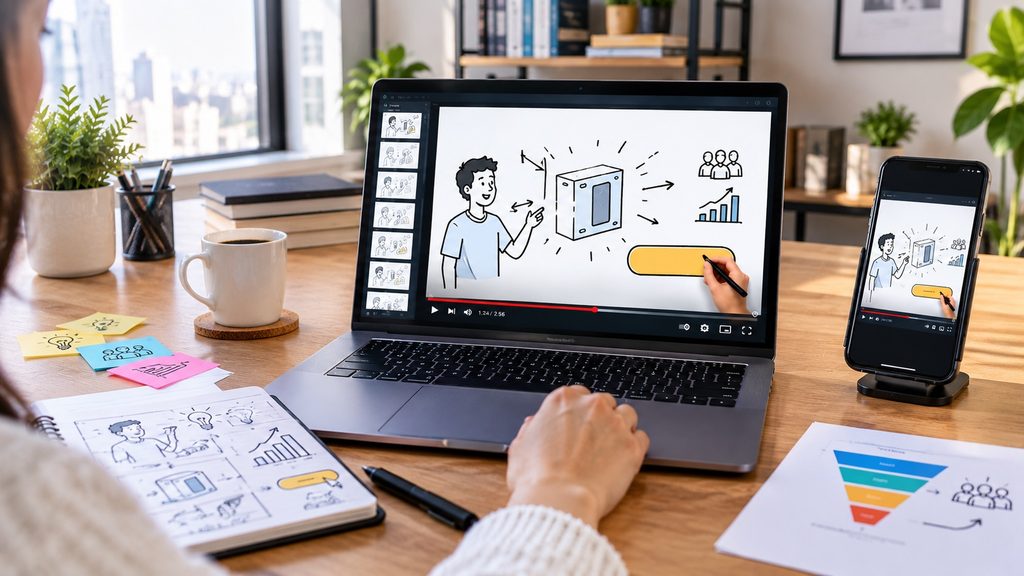
The difference is less about whether either platform has assets and more about how you want to use them.
VideoScribe is particularly strong when you want classic whiteboard visuals.
InstaDoodle is attractive when you want traditional doodle elements combined with AI-assisted creation.
Winner: Tie
Customization
Customization is important when you want your videos to look different from standard templates.
VideoScribe allows users to adjust elements, text, timing, drawing styles, and other aspects of their videos.
InstaDoodle also allows users to customize scenes and combine different visual elements.
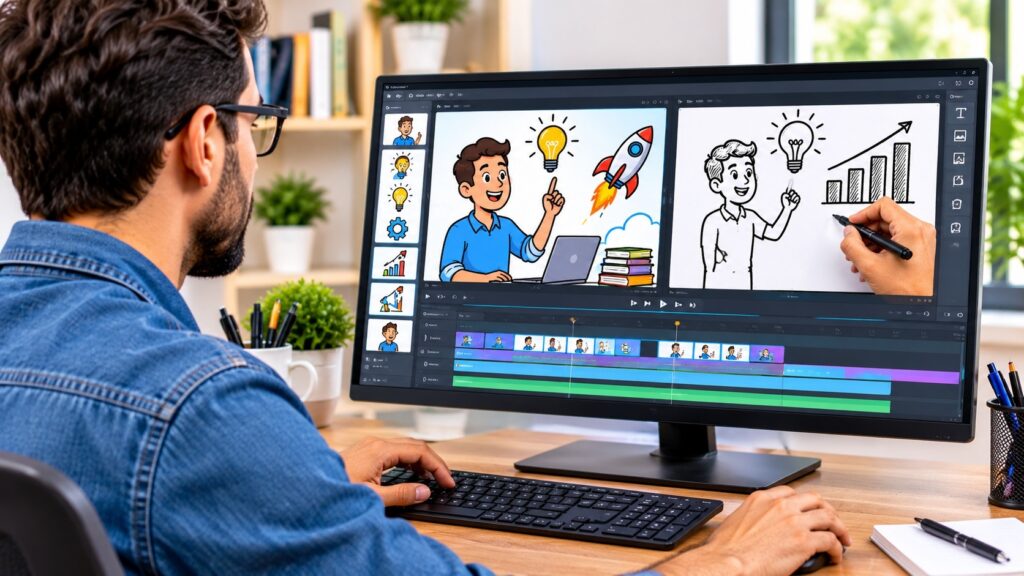
Its AI features can provide additional creative possibilities.
If you want detailed control over a traditional whiteboard presentation, VideoScribe is worth considering.
If you want to experiment with different AI-generated visual styles, InstaDoodle may offer more flexibility.
Winner: Depends on your workflow
InstaDoodle vs VideoScribe: Pricing
Pricing is one of the most important differences between these platforms.
InstaDoodle advertises different offers, including one-time payment options and subscription-based plans. Some promotional pages also offer additional products in bundles.
VideoScribe uses recurring subscriptions, with Lite, Core, and Max plans. Its official pricing page also offers a 7-day free trial without requiring a credit card.
The prices and included features can vary depending on the offer and billing period.
Before purchasing, compare:
- Whether payment is one-time or recurring
- Available AI credits and generation limits
- Video export limits and resolution
- Included doodle assets and templates
- Commercial and reseller rights
- Refund policies
- Additional costs for premium features
If you prefer avoiding recurring payments, an eligible InstaDoodle one-time offer may be attractive.
If you prefer testing a subscription-based whiteboard animation tool before purchasing, VideoScribe’s free trial is worth considering.
Always check the official pricing pages for the latest terms and available offers.r initially may not provide the features you actually need.
Which Is Better for YouTube?
Both tools can be used to create YouTube content.
VideoScribe is particularly suitable for educational and explainer videos that rely on traditional whiteboard storytelling.
InstaDoodle may be more appealing if you want to combine whiteboard animation with AI-assisted visuals and different video formats.
For a channel based primarily on classic whiteboard lessons, VideoScribe is a strong option.
For a creator experimenting with AI-assisted animated content, InstaDoodle may be the better fit.
Which Is Better for Beginners?
Both platforms are beginner-friendly compared with professional animation software.
VideoScribe may have an advantage for someone who wants a focused whiteboard workflow.
InstaDoodle may be easier for users who want AI assistance to reduce some of the creative work.
Your preferred working style matters more than a simple beginner rating.
If you enjoy building scenes manually, VideoScribe can be a good choice.
If you prefer automation and AI-assisted creation, InstaDoodle is worth considering.
Which Is Better for Educational Content?
Whiteboard animation is naturally suited to education.
Teachers, trainers, course creators, and educational YouTubers can use animated drawings to explain difficult concepts.
VideoScribe’s traditional whiteboard style makes it a natural choice for this type of content.
InstaDoodle can also work well, especially when educational content benefits from AI-generated visuals and different animation styles.
Both can be useful.
The better choice depends on whether your educational content needs a classic whiteboard appearance or more modern AI-assisted visuals.
InstaDoodle vs VideoScribe: Pros and Cons
InstaDoodle Pros
- AI-assisted doodle creation
- Ready-made doodle assets
- Templates
- Image-to-doodle tools
- Voiceover options
- Multiple video formats
- Cloud-based workflow
InstaDoodle Cons
- AI features may not be important to every user
- Different promotional offers can make pricing harder to compare
- Users wanting only traditional whiteboard animation may prefer a more specialized tool
VideoScribe Pros
- Strong focus on whiteboard animation
- Large collection of visual assets
- Straightforward workflow
- Good fit for educational and explainer videos
- Established whiteboard animation format
VideoScribe Cons
- Less focused on AI-generated doodle creation
- May be less suitable if you want a broader AI-assisted workflow
- Users looking for many different animation styles may prefer a broader platform
InstaDoodle or VideoScribe: Which Should You Choose?
Choose InstaDoodle if you:
- Want AI-assisted doodle creation
- Want to experiment with AI-generated visuals
- Need multiple video formats
- Want image-to-doodle capabilities
- Prefer a modern cloud-based workflow
- Want more than traditional whiteboard animation
Choose VideoScribe if you:
- Want classic whiteboard animation
- Prefer a focused animation workflow
- Create educational or explainer videos
- Like building scenes manually
- Want a long-established whiteboard animation style
Final Verdict
So, which is better: InstaDoodle or VideoScribe?
There is no universal winner.
VideoScribe is a strong choice for creators who want traditional whiteboard animation and a focused workflow.
InstaDoodle is more appealing to creators who want AI-assisted doodle creation combined with templates, visual assets, voice tools, and multiple animation options.
If traditional whiteboard storytelling is your priority, VideoScribe deserves a closer look.
If AI-assisted creation and modern doodle tools are more important, InstaDoodle may be the better fit.
Before choosing either platform, compare the current plans, features, licensing terms, and available offers on the official websites.
And if you are considering InstaDoodle, our InstaDoodle Pricing 2026: How Much Does InstaDoodle Cost? guide can help you review its pricing before making a decision.
You May Also Like:
Leave a Reply
You must be logged in to post a comment.