
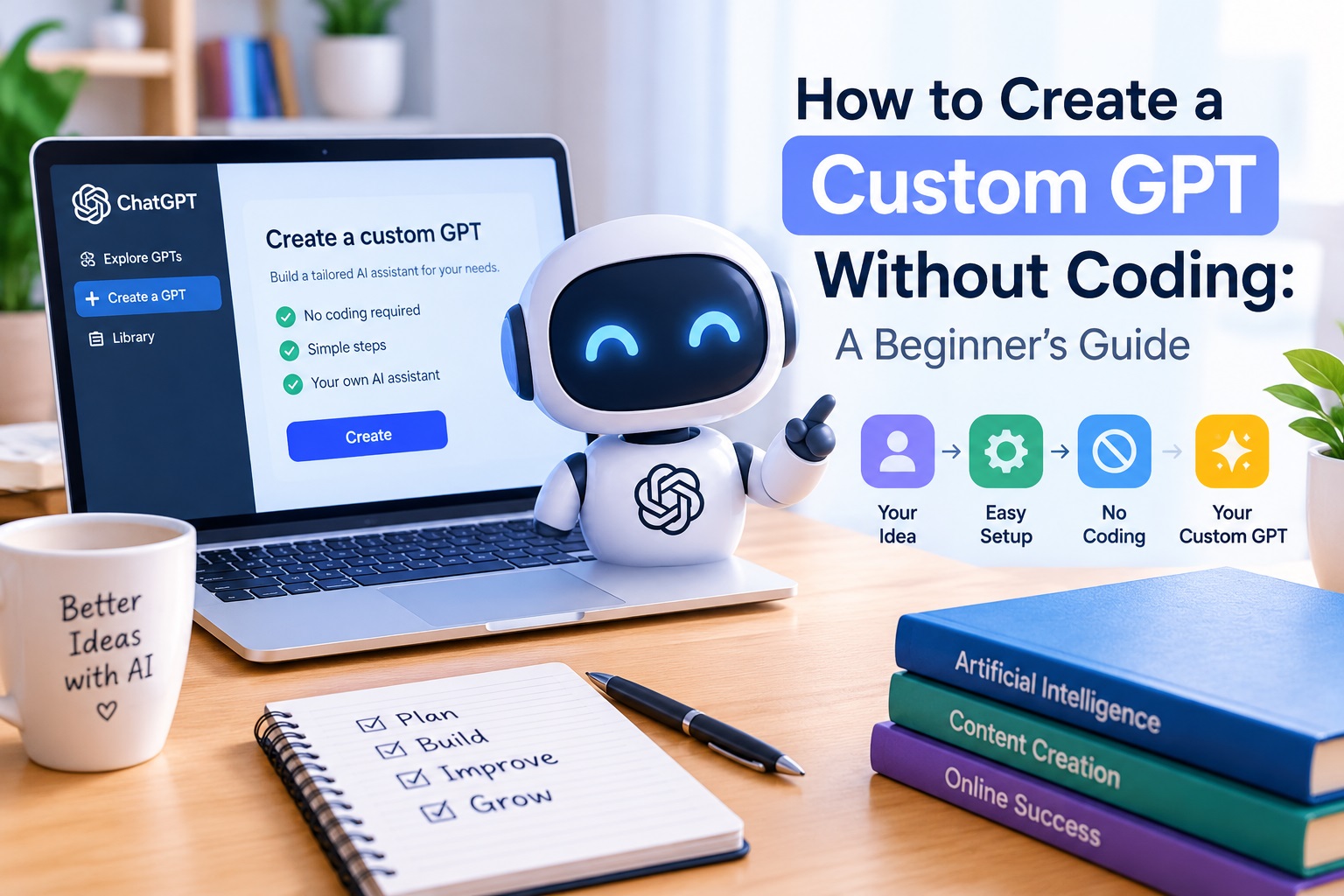
Artificial intelligence is becoming easier to use every day. One useful development is the ability to create custom GPTs for specific tasks.
You do not always need programming skills to build one.
A custom GPT can help with writing, research, customer support, brainstorming, education, content creation, and many other tasks.
This guide explains how beginners can approach the process without getting overwhelmed by technical details.

What Is a Custom GPT?
A custom GPT is an AI assistant designed for a particular purpose.
Instead of asking a general AI tool to handle every type of request, you can create instructions that make it focus on a specific job.
For example, you could design a GPT to help with:
- Blog content
- Social media ideas
- Email writing
- Product descriptions
- Business brainstorming
- Customer questions
- Research assistance
- Learning and study
The main advantage is consistency.
You give the assistant clear instructions, and it can follow the same general approach whenever you use it.
What Do You Need to Create One?
The good news is that beginners can start without learning a programming language.
The most important things you need are:
- A clear purpose
- Good instructions
- Examples of the desired output
- A way to test and improve the results
The quality of your instructions matters more than making them complicated.
Step 1: Choose One Specific Purpose
Start with one problem.
Do not try to create an assistant that does everything at once.
For example, instead of creating a GPT called “My Business Assistant,” you could make one specifically for writing product descriptions.
A narrow purpose makes the instructions easier to create and the results easier to evaluate.
Step 2: Write Clear Instructions
Tell the GPT what role it should perform.
Then explain what it should do and how it should respond.
For example, your instructions might say:
“Act as a professional product description writer. Create clear and persuasive descriptions using simple language. Focus on benefits, avoid exaggerated claims, and organize each description with short sections.”
You can also specify the tone, length, formatting, and information it should avoid.
Step 3: Add Examples
Examples can make your instructions much clearer.
Show the GPT what a good answer looks like.
For instance, if you are creating a writing assistant, provide an example of the style you want.
This helps establish expectations that may be difficult to explain with instructions alone.
Step 4: Test the GPT
Do not assume your first version will be perfect.
Ask it several realistic questions.
Look for problems such as:
- Answers that are too long
- Incorrect formatting
- Unwanted information
- Inconsistent tone
- Instructions that are being ignored
Then improve the instructions based on what you discover.
This testing stage is one of the most important parts of creating a useful AI assistant.
Step 5: Improve It Over Time
Your first custom GPT is a starting point.
As you use it, you will discover new problems and new ways to improve it.
You might add more examples, clarify confusing instructions, or change the expected format.
Small improvements can make a significant difference.

Why Are Custom GPTs Useful for Small Businesses?
Small businesses often have limited time and resources.
A specialized AI assistant can help with repetitive tasks and reduce the amount of time spent starting from scratch.
For example, a business owner could use specialized AI assistants for content ideas, customer communication, marketing tasks, or internal organization.
The goal is not necessarily to replace human work.
Instead, AI can help handle repetitive parts of a workflow while the person remains responsible for reviewing the final result.
Can You Create GPTs Without Technical Skills?
Yes, many beginners can create useful AI assistants without traditional programming knowledge.
However, there is still a learning curve.
The difficult part is usually not writing code.
It is understanding how to describe a task clearly and create instructions that produce reliable results.
This is why learning how to design effective GPT instructions can be valuable for creators, freelancers, marketers, and small business owners.
Common Mistakes Beginners Should Avoid
Making the GPT Too General
A GPT with an unclear purpose may produce inconsistent results.
Start with one specific task.
Writing Vague Instructions
“Help me with marketing” is usually less useful than explaining exactly what the assistant should produce.
Expecting Perfect Results Immediately
AI assistants need testing.
Review the results and adjust the instructions when necessary.
Forgetting Human Review
AI-generated content should still be checked before publishing or using it for important business decisions.
Final Thoughts
Creating a custom GPT does not have to be a complicated technical project.
The basic process is straightforward: choose a specific purpose, write clear instructions, provide useful examples, test the results, and improve the assistant over time.
For beginners, starting with one simple task is often the best approach.
Once you understand the basics, you can experiment with more advanced AI workflows and create specialized assistants for different parts of your work.
If you want to explore more ways to use AI for practical content and business tasks, learning how specialized GPT tools are created can be a useful next step.
You May Also Like
Leave a Reply
You must be logged in to post a comment.